Capture View Activity
PostHog SDK has an option to track when a view is shown on screen. The problem with that
is that it only works for apps using UIViewController. As we are using SwiftUI to build our
apps, we needed to find another way to track when a view is shown on screen.
View Modifiers to the Rescue
To combat this, we created a simple view modifier that you should attach to your navigation views.
View Modifier Definition
extension View {
	public func captureViewActivity(as viewName: String) -> some View { }
}viewName: The name of the view that is shown on screen. (Example:HomeFeedView)
Example Usage
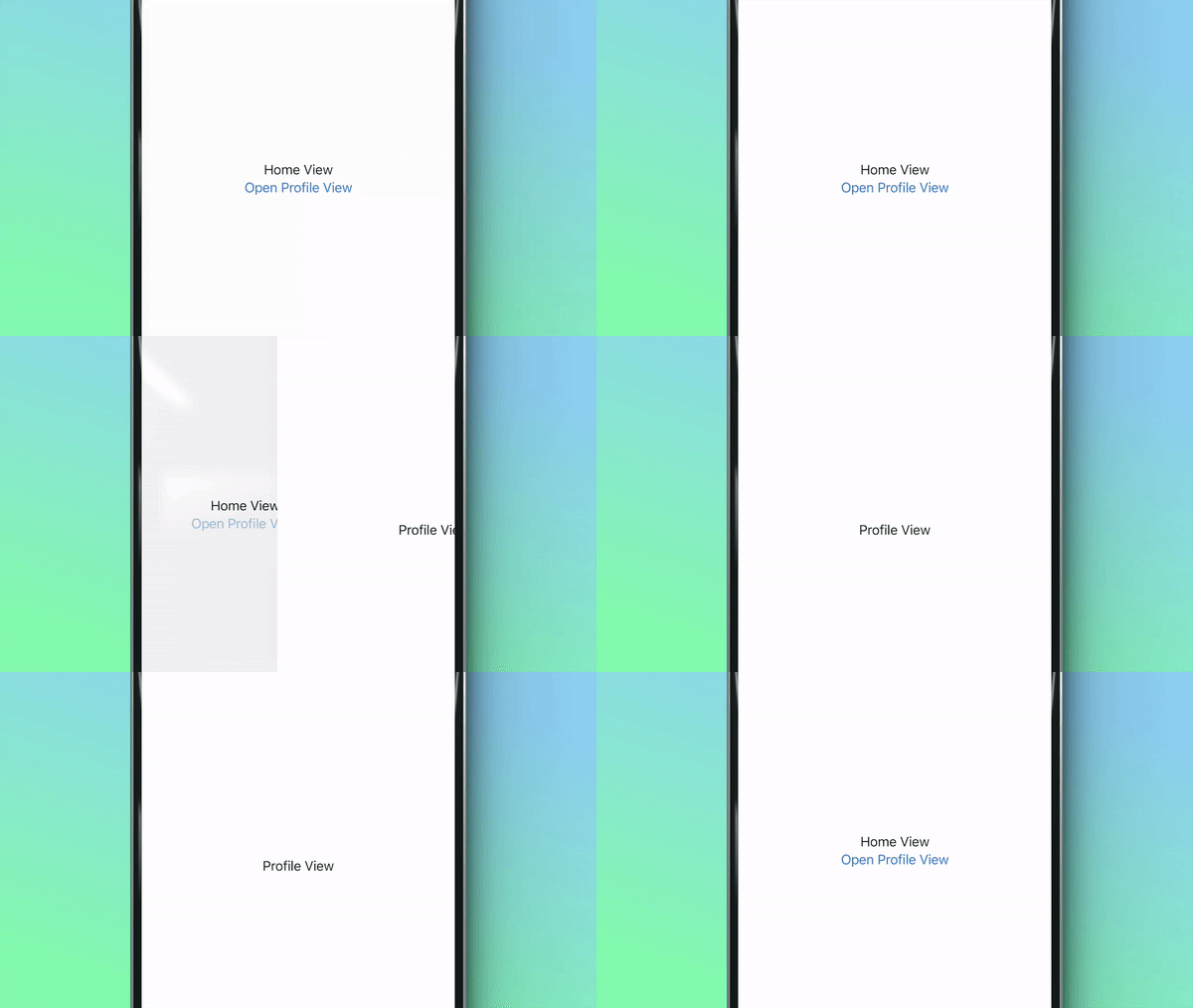
Here we have a simple SwiftUI app with two views. The HomeView has a button that navigates to the ProfileView.
Both views have the .captureViewActivity() view modifier attached to them
import SwiftUI
import AnalyticsKit

struct HomeView: View {
    var body: some View {
        NavigationStack {
            VStack {

                Text("Home View")

                NavigationLink {
                    ProfileView()
                } label: {
                    Text("Open Profile View")
                }
            }
            .captureViewActivity(as: "HomeView")
        }
    }

    struct ProfileView: View {
        var body: some View {
            Text("Profile View")
                .captureViewActivity(as: "ProfileView")
        }
    }
}
Captured View Activity in PostHog Dashboard:

For a more thorough tracking of user navigation, you could try using newly introduced Session Recordings. Note that PostHog session recordings for iOS are currently in beta.